
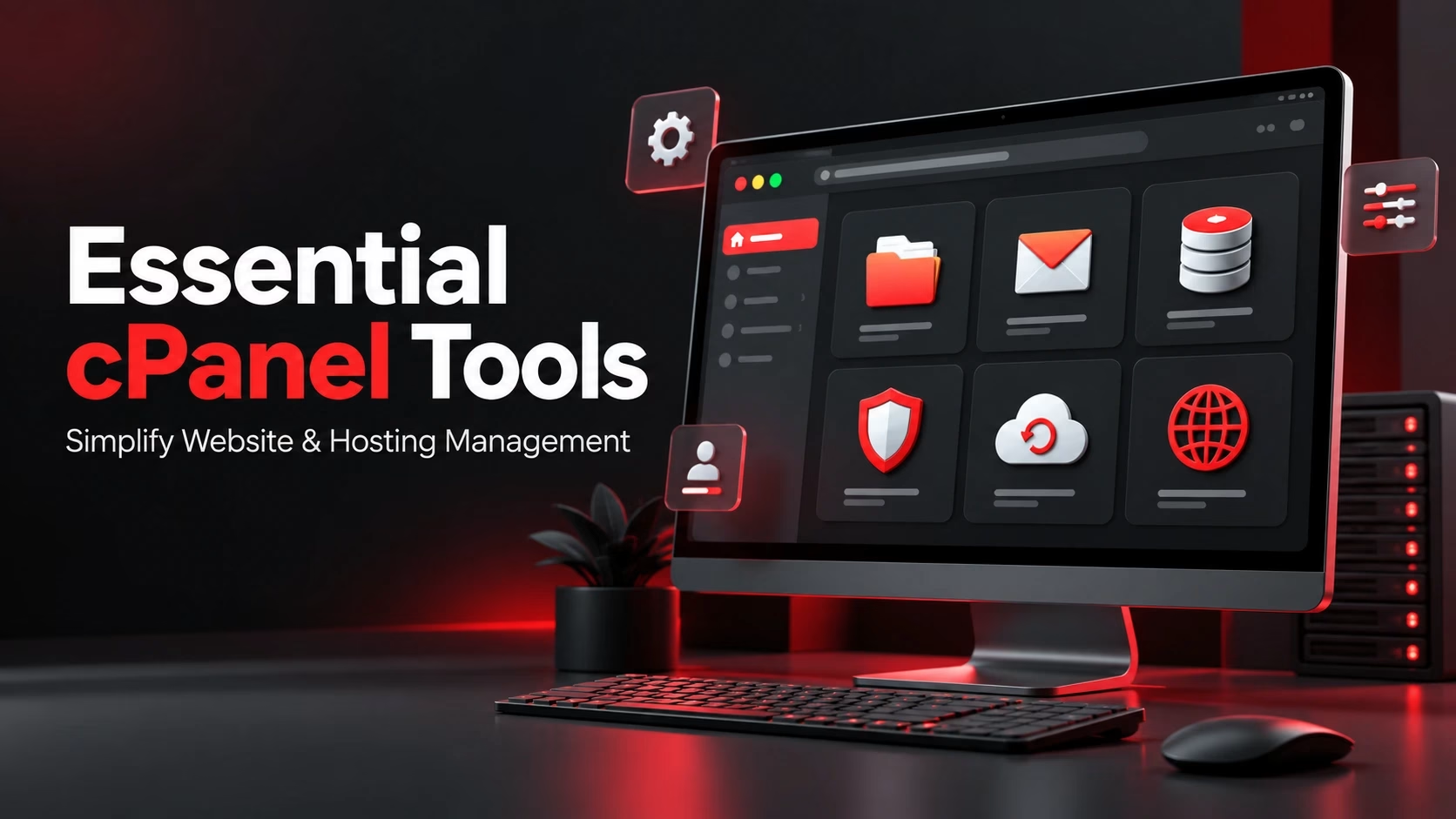
Managing a website involves many technical tasks behind the scenes.
Website files need to be organized.
Email accounts need to be configured.
Databases need maintenance.
Security settings need monitoring.
Backups need to be managed.
For users without advanced server administration knowledge, handling these tasks directly can become complicated.
This is why many website owners and hosting providers use control panels.
A control panel provides a graphical interface that simplifies website and server management.
One of the most widely used platforms is cPanel.
It gives website owners access to important hosting tools without requiring them to manage everything through complex command-line systems.
What is cPanel?
cPanel is a web-based hosting control panel that allows users to manage different aspects of their hosting account through an easy-to-use interface.
Instead of manually configuring server settings, users can perform common tasks through organized menus and tools.
cPanel is commonly used for:
- Website management
- Email administration
- Database control
- File management
- Security configuration
- Domain management
Its user-friendly design makes it popular among beginners, developers, and hosting professionals. Understanding cPanel and why it is important for hosting management can also help businesses see how a centralized control panel simplifies routine hosting administration.
File Manager Simplifies Website Maintenance

Every website depends on files.
HTML pages.
Images.
Themes.
Plugins.
Application files.
The File Manager tool in cPanel allows users to upload, edit, move, and organize website files directly from their browser.
This removes the need for separate file transfer software for many routine tasks.
Website owners can quickly make updates and manage their website structure more efficiently. File Manager is also one of several cPanel features every website owner should know when managing a hosting account independently.
Managing Domains Becomes Easier
Businesses often manage more than one online property.
They may have:
- Main company websites
- Landing pages
- Additional service websites
- Subdomains
cPanel provides tools to manage domains, subdomains, and domain-related settings.
Users can connect new domains, create subdomains, and organize multiple websites from one hosting account.
Email Account Management
Professional businesses usually need email addresses connected to their domain.
Examples include:
sales@company.com
support@company.com
info@company.com
cPanel allows users to create and manage professional email accounts.
They can configure:
- Mailboxes
- Email forwarding
- Password settings
- Storage limits
This helps businesses maintain professional communication with customers and teams.
Database Management Tools
Many modern websites rely on databases.
Content management systems.
Online stores.
Customer portals.
Business applications.
cPanel provides database management features that allow users to create databases, manage users, and access tools such as phpMyAdmin.
These features make database administration easier for website owners and developers.
Security Features for Website Protection
Website security requires regular attention.
cPanel includes several tools that help users manage basic security requirements.
These may include:
- SSL certificate management
- Password protection
- IP blocking
- Directory security settings
While complete website security requires multiple layers of protection, these tools provide important controls for everyday management.
Backup Management
Website data is valuable.
A technical error.
Accidental deletion.
Security issue.
Server problem.
Any of these situations can affect website availability.
cPanel backup tools help users create and manage backups of website files and databases.
Regular backups provide a recovery option when unexpected issues occur.
Application Installation Tools
Many businesses use platforms such as WordPress to build websites.
Installing applications manually can involve several technical steps.
cPanel often includes application installers that simplify the setup process.
Users can install popular platforms faster and begin building websites without complicated configurations.
Resource Monitoring Helps Identify Issues
Website performance depends on available resources.
Storage usage.
Bandwidth consumption.
CPU utilization.
Memory usage.
cPanel provides visibility into hosting account usage, helping users understand when their website may require optimization or additional resources.
Monitoring resources helps businesses make better hosting decisions.
Managing Website Redirects and Configurations
Website owners often need to make technical adjustments.
Redirecting old pages.
Managing domain settings.
Updating configurations.
cPanel provides tools that simplify many of these tasks.
This allows users to handle common website management requirements without depending on technical teams for every small change.
Why cPanel Remains Popular
There are many hosting management platforms available today.
However, cPanel remains widely used because of its:
- Familiar interface
- Large feature set
- Hosting compatibility
- User-friendly management tools
These characteristics help explain why cPanel is one of the most popular hosting control panels for website owners, developers, and hosting providers.
It provides a balance between simplicity for beginners and flexibility for experienced users.
Choosing the Right cPanel Hosting Environment
The control panel is only one part of the hosting experience.
Businesses should also consider:
- Server performance
- Security practices
- Technical support
- Backup options
- Scalability
Businesses or hosting providers that need licensed access to the platform can also explore cPanel licenses in Pakistan while evaluating the right hosting management environment.
A powerful control panel combined with reliable infrastructure creates a better hosting experience.
Where Chromeis Fits
Chromeis helps businesses manage reliable hosting environments with professional cPanel solutions designed for easier website administration. From cPanel hosting setup and account management to domain configuration, email setup, security support, and technical assistance, Chromeis helps organizations maintain control over their websites without unnecessary complexity.
The focus is on providing dependable hosting solutions that support business operations and online growth.
FAQs
1. What is cPanel used for in web hosting?
cPanel is used to manage important hosting tasks through a graphical interface. Users can manage website files, domains, email accounts, databases, backups, security settings, and other hosting features from one dashboard.
2. Is cPanel suitable for beginners?
Yes. cPanel is designed to simplify many technical hosting tasks, making it suitable for users who do not have advanced server administration or command-line experience.
3. Can I manage multiple websites with cPanel?
Yes. Depending on the hosting plan and account configuration, cPanel can be used to manage multiple domains, subdomains, website files, databases, and email accounts from one hosting environment.
4. Does cPanel provide website security tools?
cPanel includes several security-related tools, such as SSL certificate management, password-protected directories, IP blocking, and access controls. However, these features should be part of a broader website security strategy.
5. Can I create website backups using cPanel?
Yes. cPanel provides backup tools that can help users create and manage copies of website files, databases, and other account data. Regular backups make it easier to recover important information after technical problems or accidental data loss.
Final Thought
Website management involves many technical responsibilities, but the right tools make the process much easier.
cPanel provides website owners with a practical way to manage hosting tasks, control website settings, and maintain online platforms efficiently.
For businesses that need simplicity, flexibility, and reliable management tools, cPanel remains an important part of modern hosting infrastructure.
Similar Post

cPanel Features Every Website Owner Should Know
Managing a website involves more than publishing pages and
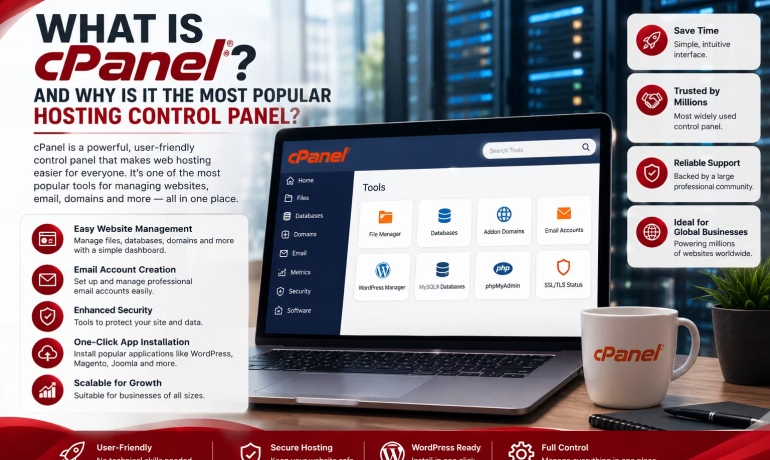
What Is cPanel and Why Is It the Most Popular Hosting Control Panel?
Launching a website is only the beginning. Soon after,