
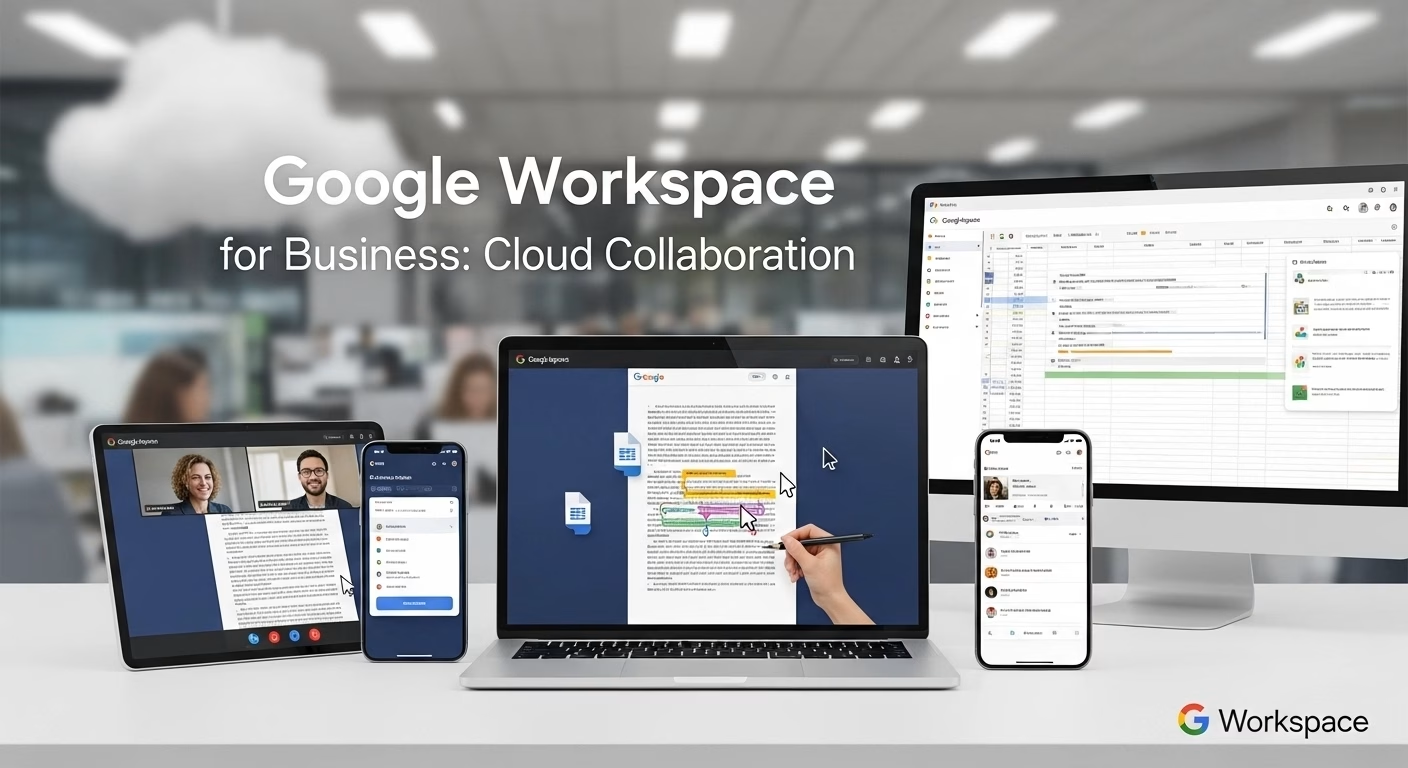
Most businesses don’t realize how much time they lose just trying to stay in sync. Emails get buried. Files get renamed with “final” written five times. Someone edits the wrong version. Meetings happen just to clarify what changed. Work still gets done, but it feels heavier than it should. That’s usually when teams start looking for better ways to collaborate not because they want new tools, but because old habits stop working. This is often the point where companies begin exploring Google Workspace for business in Pakistan as a more structured way to collaborate.
Collaboration problems don’t look technical at first
When collaboration breaks down, it rarely feels like a software issue.
It feels like:
- people missing updates
- documents being out of date
- decisions being repeated
- confusion about ownership
Teams work harder to compensate. More messages. More calls. More follow-ups. The work expands instead of flowing a pattern closely tied to the mistakes businesses keep repeating when collaboration tools aren’t aligned with how teams actually work.
Google Workspace didn’t start as a business tool
That’s important to understand. Many people used Gmail, Docs, and Drive personally long before using them at work. They’re familiar. Comfortable. Google Workspace for business takes that familiarity and adds structure, control, and security around it. That familiarity reduces friction when teams adopt it.
Email becomes part of a larger workspace
Email is still central to business communication. Google Workspace provides professional email tied to a company domain, but it doesn’t treat email as a separate system. Emails connect naturally with calendars, documents, and meetings. Conversations don’t live in isolation. That connection reduces context switching, which quietly saves time.
Files stop feeling fragile
One of the biggest collaboration problems is file confusion. Who edited this last? Which version is correct? Where is the latest update? Google Drive changes that dynamic. Files live in one place. Changes save automatically. Version history stays accessible. People stop emailing attachments back and forth. They work on the same document instead.
Real-time editing changes team behavior
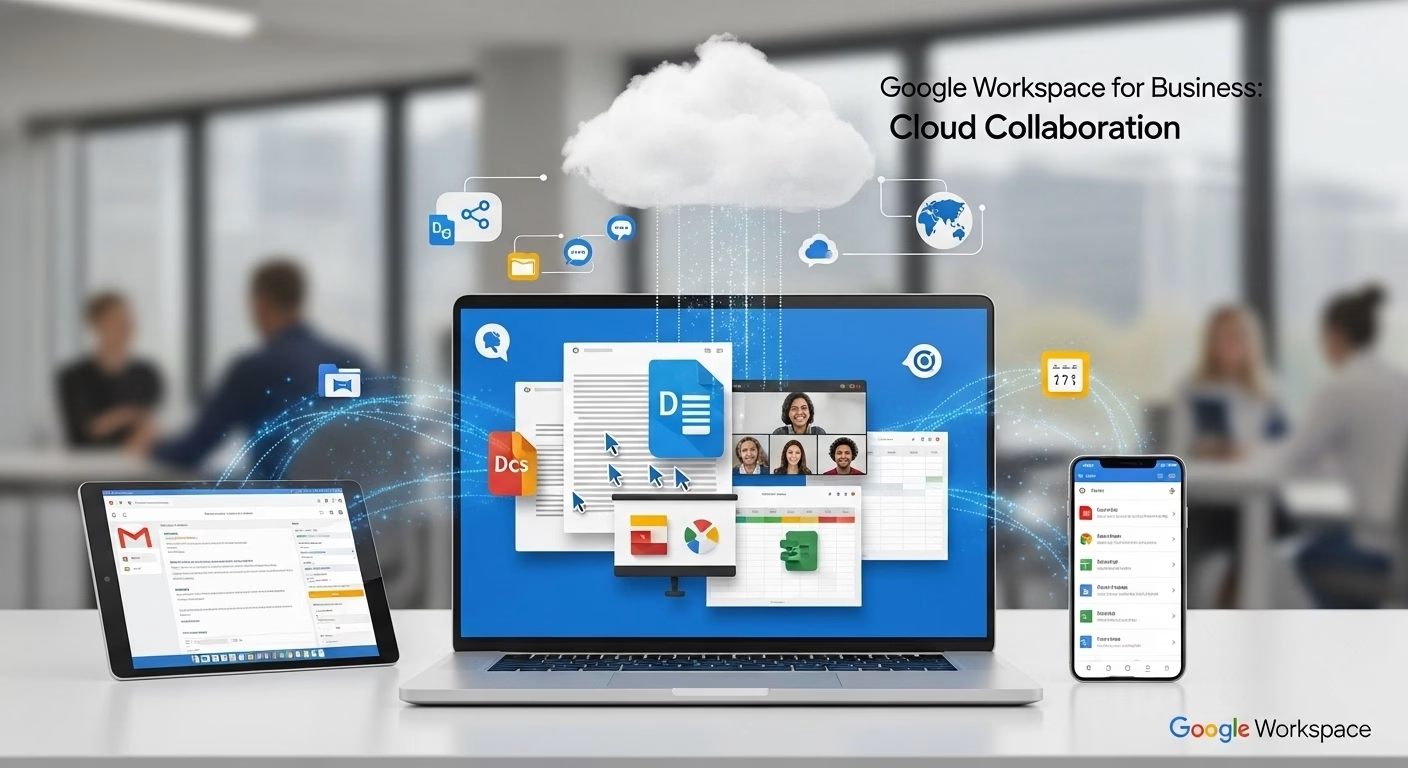
This part feels small until you experience it daily. Multiple people are working on the same document at the same time. Comments appear instantly. Suggestions are visible. Decisions happen faster. Work feels shared instead of sequential. That shift alone removes many unnecessary meetings.
Access matters more than location now
Teams don’t work from one place anymore. Offices, homes, travel, and client sites. Google Workspace is built for access from anywhere. Browser-based tools mean work isn’t tied to a specific device. This flexibility matters for businesses adjusting to hybrid or remote work.
Meetings become easier to manage
Meetings aren’t always productive, but they’re unavoidable. Google Workspace integrates calendars, video calls, and invites in one place. Scheduling becomes simpler. Joining meetings takes fewer steps. This reduces friction, especially for external communication. Less time organizing means more time actually discussing.
Security is quieter than people expect
Businesses worry about putting data in the cloud. That concern is valid. Google Workspace includes built-in security controls, access management, and data protection features designed for business use. Security runs quietly in the background. Most users never notice it which is often a good sign.
Control increases as teams grow
As businesses scale, control becomes important. Who can access what? Who can share externally? What happens when someone leaves? Google Workspace allows administrators to manage access centrally. Accounts can be added or removed without losing company data. This control becomes more valuable as teams expand.
Collaboration improves when tools are consistent
One underrated benefit of Google Workspace is consistency. Docs look the same everywhere. Drive works the same way for everyone. Interfaces don’t change across devices. This consistency reduces training needs and mistakes. People spend less time learning tools and more time using them.
Why Google Workspace adoption is growing in Pakistan
Businesses in Pakistan are working with more distributed teams. Clients are global. Partners are remote. Work hours vary. Google Workspace supports this shift without requiring heavy infrastructure or complex setup. Cloud-based collaboration fits modern work patterns better than traditional systems.
Workspace reduces reliance on personal tools
When businesses don’t provide proper collaboration tools, employees fill the gaps themselves. Personal emails. Personal storage. Personal messaging apps. That creates risk and fragmentation. Google Workspace provides a centralized environment that reduces reliance on personal accounts for work tasks. This improves visibility and security at the same time.
Collaboration doesn’t mean constant communication
Better collaboration doesn’t mean more messages. It means fewer misunderstandings.
Shared documents reduce clarification emails. Comments replace long threads. Version history removes guesswork. Communication becomes purposeful instead of constant.
Adoption works best when habits change
Google Workspace isn’t just a software switch. Teams need to change how they work. Sharing links instead of attachments. Commenting instead of emailing edits. Trusting version history. When habits shift, productivity improves naturally.
Where ChromeiS fits
ChromeiS helps businesses in Pakistan set up and manage Google Workspace in a way that fits how teams actually work.
The focus stays practical:
- account setup and migration
- secure configuration
- user onboarding
- access control
- ongoing support
The goal is smoother collaboration, not tool overload.
Cloud collaboration feels different over time
The biggest benefit of Google Workspace shows up gradually. Fewer version issues. Less confusion. Faster alignment. Work starts feeling lighter. Teams spend less time managing files and more time moving projects forward.
Final thought
Collaboration problems rarely look dramatic. They feel like small delays, repeated questions, and unnecessary meetings. Google Workspace for business helps reduce that friction by bringing communication and collaboration into one shared space. When teams stop fighting tools, work starts flowing again.
Similar Post
How Google Workspace for Business Improves Collaboration and File Control
Most businesses don’t struggle with communication in the beginning.
How Google Workspace Cloud Helps Lahore-Based Businesses Work Smarter
Most work problems don’t look like problems at first.